
The first-visit offer that earns the second visit
Set up the New Client campaign once so every new client gets a reason to come back.
Who it's for
Owners who get new faces through the door but rarely see them a second time.
What you'll get
An automatic welcome email with a personal coupon and QR, sent the moment a new client is added, and a dashboard view of how many were sent and redeemed.
Open the New Client campaign
Find New Client in the side menu. It starts switched off for every new account. Before turning it on, fill in the settings so the first email goes out right.
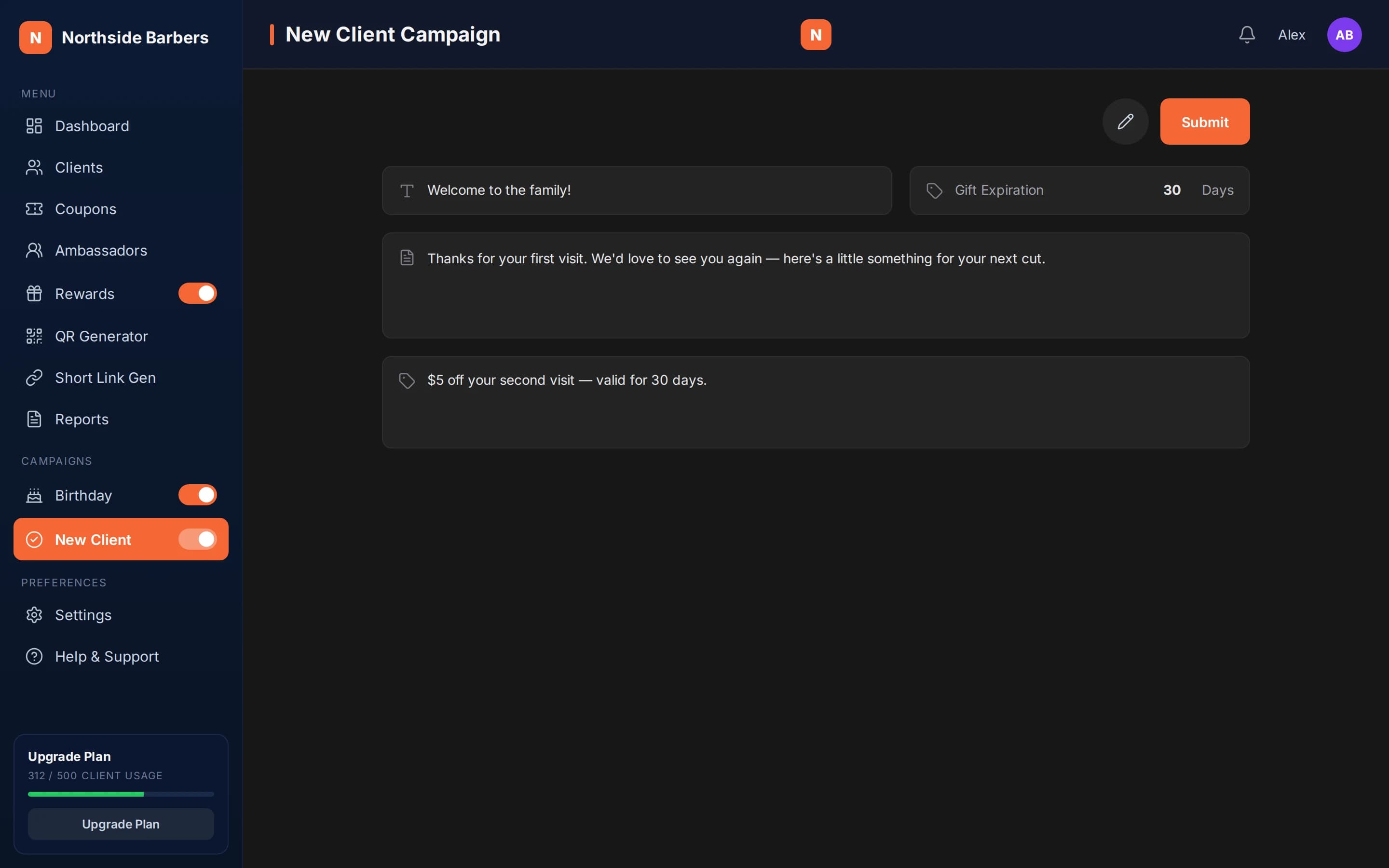
Write a short, warm title and message
The title can be up to 100 characters and the message up to 2,000. Thank them for coming in, say who you are in one line and tell them what to do next. Write like you would talk at the counter. Your logo, brand color, address and phone appear in the email.
Make the gift about the second visit
The gift field describes what they get. Tie it to coming back, not to the visit they just made: "$5 off your second visit" is clearer than a general discount. Keep it something your team can honor without asking questions.
Set how long the gift lasts
The default validity is 30 days. That is a reasonable window for most businesses that people visit monthly. If your customers come back less often, give them longer; a shorter window adds urgency for frequent services.
Turn it on and watch the numbers
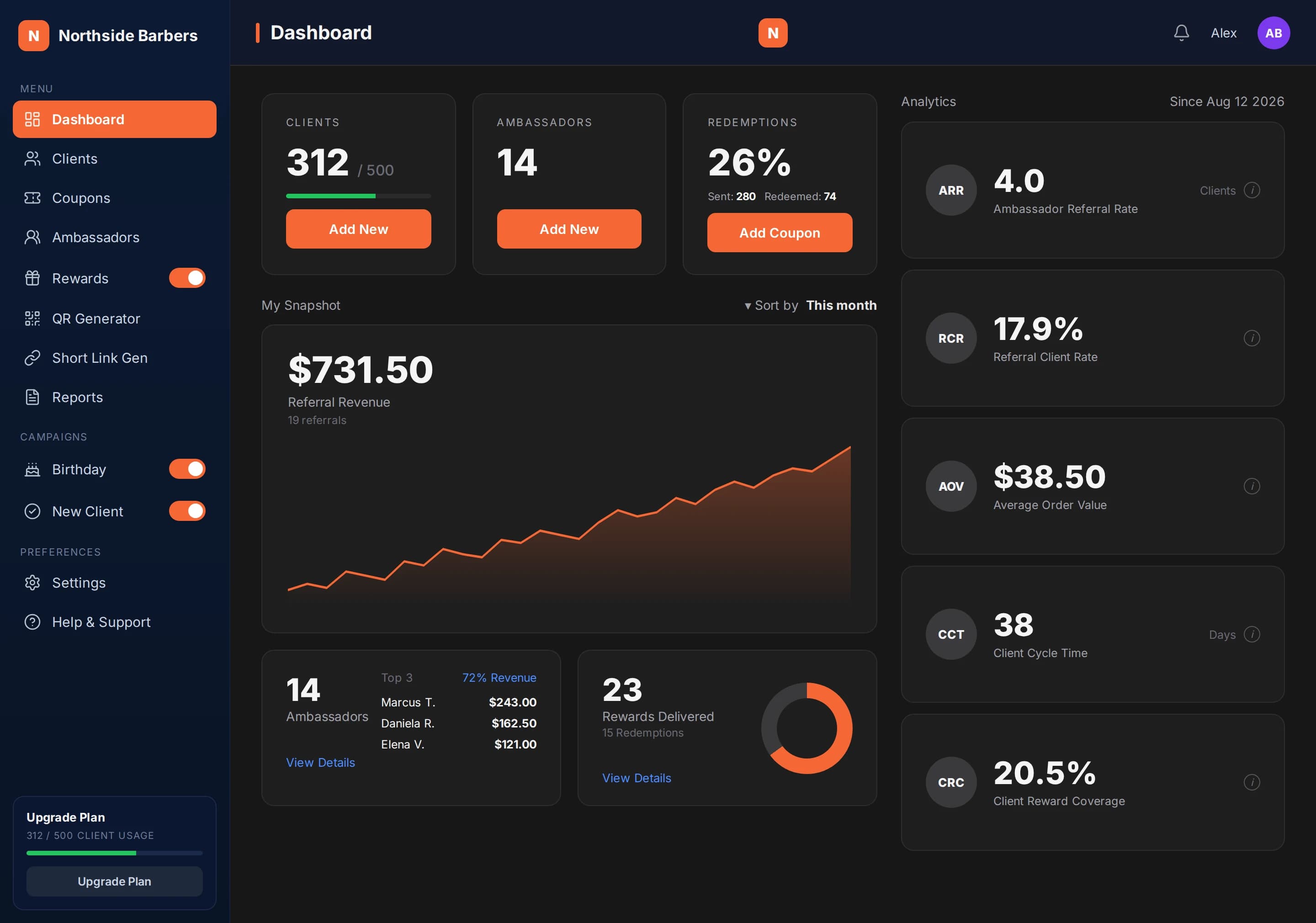
Switch the campaign on. From then on, each new client added by hand, through a coupon sign-up, as a referral or through a rewards purchase gets the welcome email instantly. Bulk imports don't trigger it. On the dashboard, compare New Client coupons sent with redeemed to see whether the gift is working.
At the fictional Northside Barbers, Alex writes a two-line welcome, sets the gift to "$5 off your second visit" and keeps the 30-day validity.
A new client comes in through a friend's referral. As soon as the referral is recorded at the counter, she receives the welcome email with her personal QR. When she returns three weeks later, the barber scans that QR and enters the PIN. The coupon is personal: if someone else tries to use it, it will not redeem for them.
Checklist
- Title and message written in your own voice
- Gift tied to the second visit
- Validity days set (default 30)
- Campaign switched on in the side menu
- Sent vs redeemed checked on the dashboard after a few weeks